
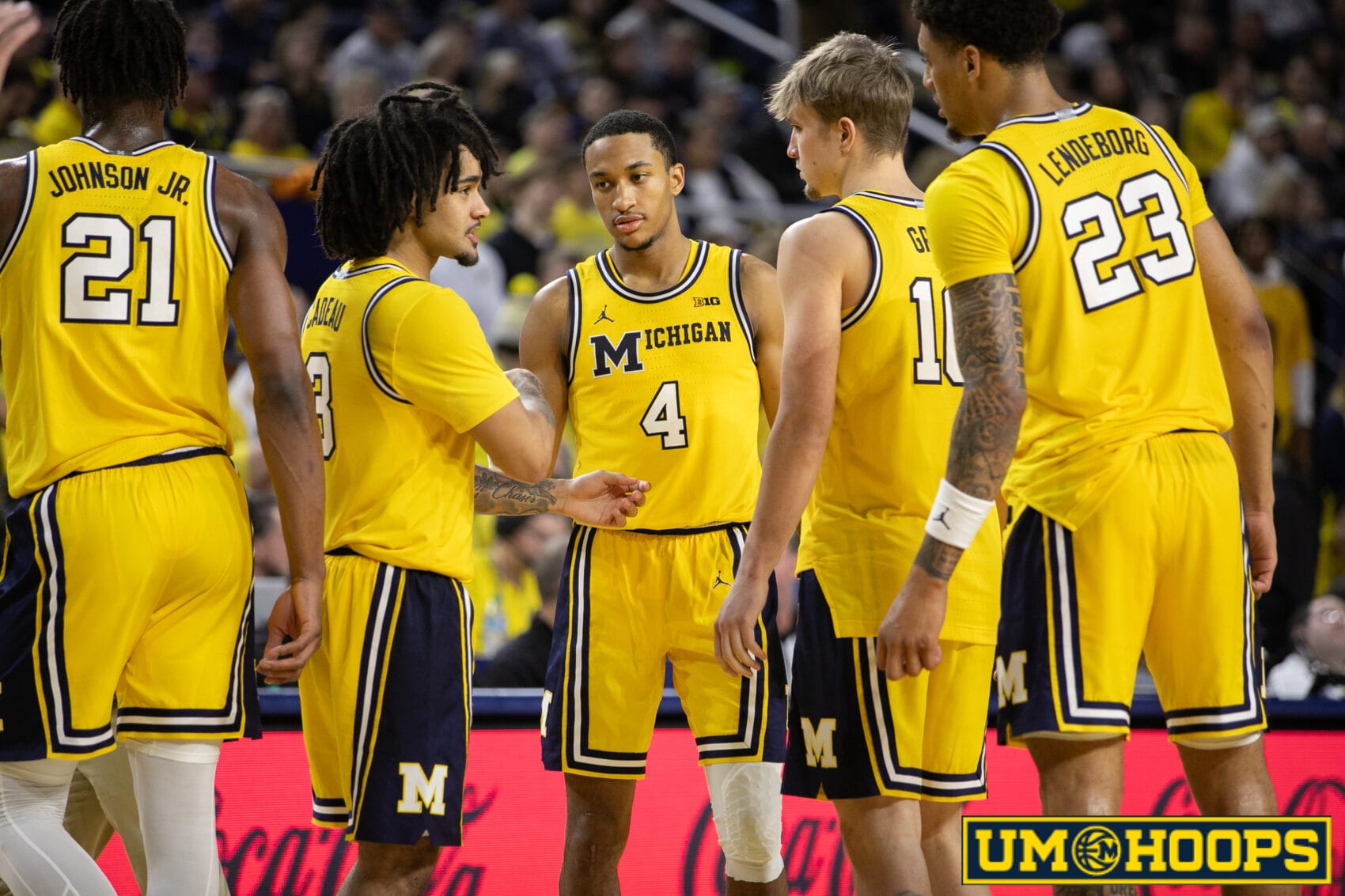
Introducing Shot Charts — a new UM Hoops+ tool to break down how Michigan (and its opponents) score.
We’ve just launched a brand-new feature for UM Hoops+ subscribers: the UM Hoops+ Shot Chart Tool.
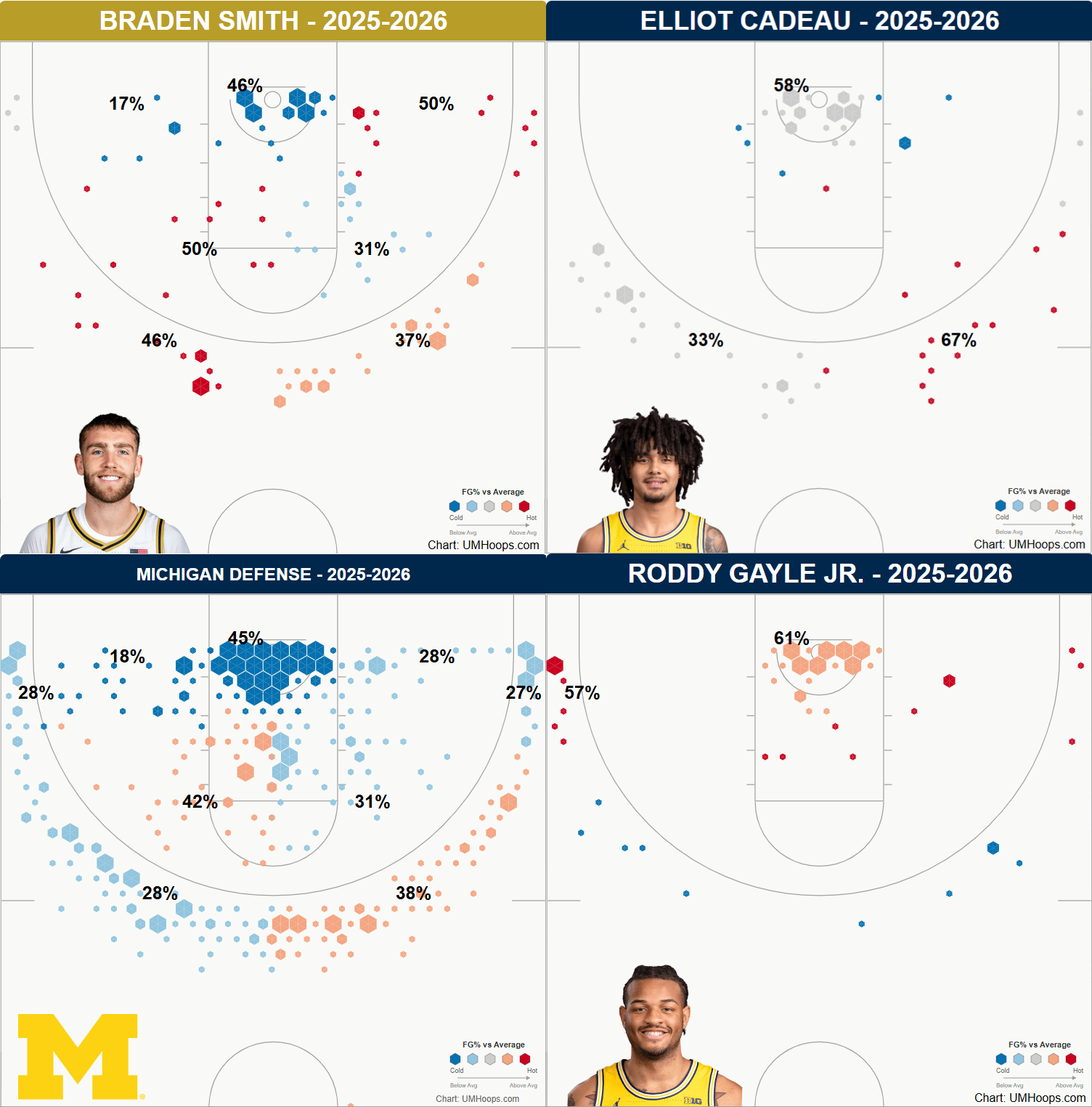
With the Shot Chart Tool, you can instantly generate interactive shot charts for any Michigan player — or for any team or player Michigan faces this season — and see where shots come from and how efficient they are.
What you can do with the Shot Chart Tool
- Visualize shot location and efficiency by zone
- Compare players and teams against Division I averages
- Filter by shot type to uncover trends and tendencies
- Open multiple charts to compare players, lineups, or opponents
Whether you’re researching for an upcoming game, reviewing a player, or digging into matchup advantages, the Shot Chart Tool gives you a fast, visual way to understand how points are really being generated.
Upgrade to unlock Shot Charts (and more)
Joining UM Hoops+ unlocks this new tool — plus a deeper layer of film-driven, data-backed coverage —for just $10/month or $100/year.
Already a member? You can upgrade anytime. Your plan is prorated, so you’ll only pay the difference.
UM Hoops+ also includes:
- Live in-game charts featuring four-factor charts, shot distribution plots, lineup trends, and more.
- UM Hoops+ Film Rooms with Joe Jackson
- Post-game Report Cards with advanced stats and film insights
Examples
Here are a few examples of the types of shot charts you can generate yourself with the new tool:









Royalman10
@umhoops Does this feature continually develop shot charts for opponents we’ve already played (Such as Gonzaga players & games they played after we played them)?
umhoops
Yeah – everything updates as the season goes on. It’s just the teams available in the search are Big Ten and the teams Michigan played in the non conference.
So you can look up Tahaad Pettiford, for example:
DMB_Dad
That’s a rough and inefficient shot chart. Lol
colin
Could we add top 25 teams or something like that? Wanted to look up Arizona and BYU.
umhoops
Added all of the teams in the NCAA Tournament to the Shot Charts tool.