
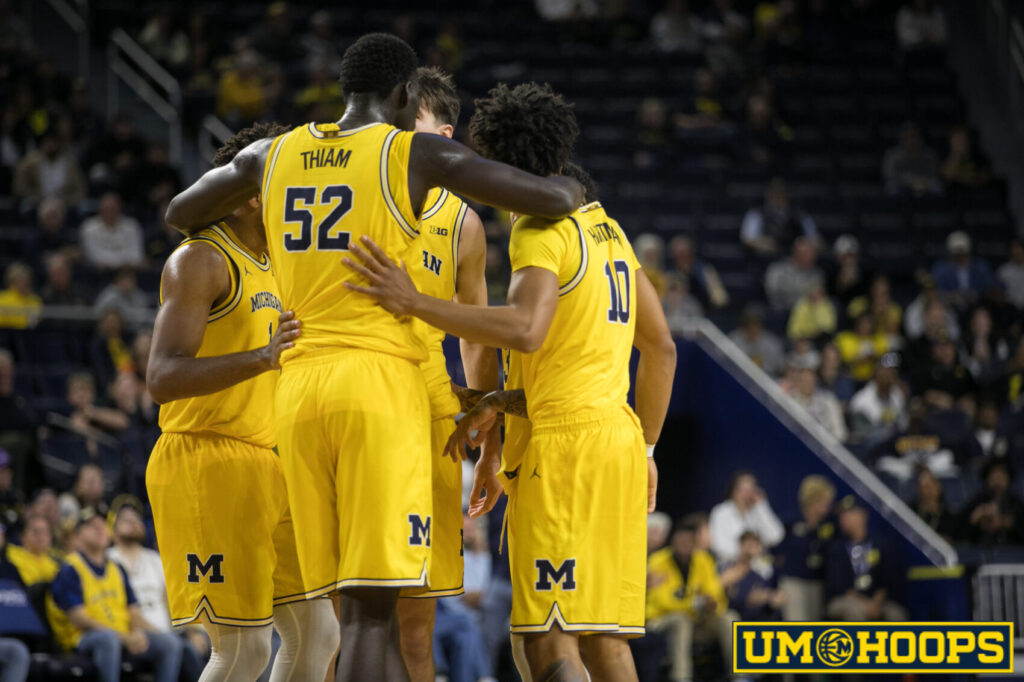
It’s been a minute since we focused on our looks. Our last full redesign was in 2017, almost a decade ago. So to start the new season, we’ve rebuilt a lot of UM Hoops.
The look isn’t changing radically, but it should be cleaner and easier to use. We’ve also made our newer features easier to find, rather than announcing them and burying them in a deep menu or a message board thread.
Everything you’ve come to expect is still here: previews, recaps, the message board, and more. Your logins and bookmarks should all still work.
We’re also adding more new features than we’ve ever launched at once, and we think they’ll keep this the best resource for Michigan basketball fans.
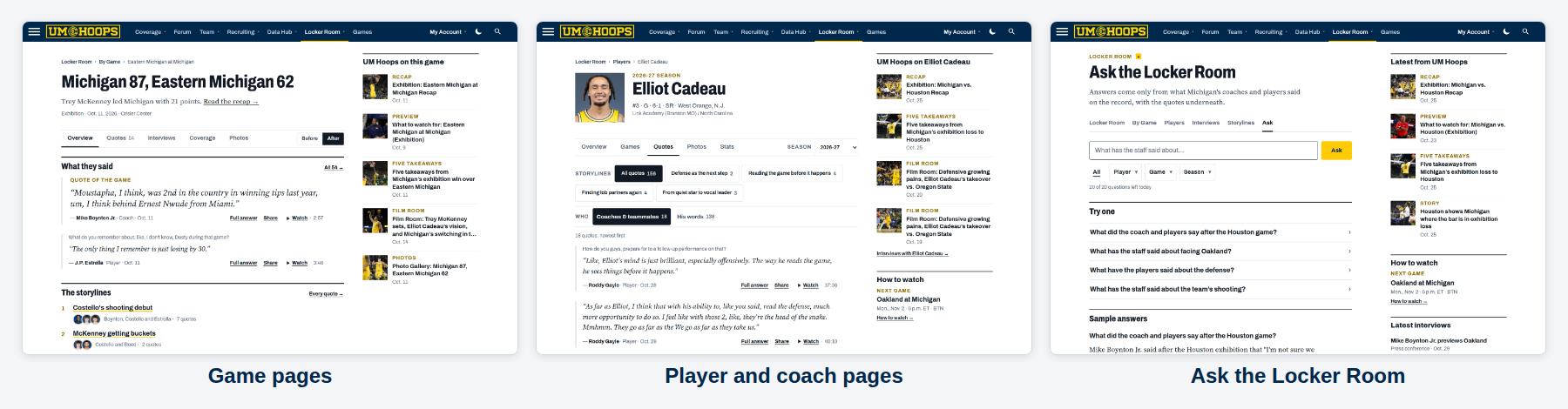
Locker Room
We’ve published hundreds of press conferences and interviews over the years, and most of those videos just come and go. They pop up in an article or a message board post, and a week later they’re hard to find.
The Locker Room solves that problem. We’re creating an archive of interviews with Michigan’s coaches and players, all in one place, so you can search, read, watch or listen.
- Game: Every quote before and after each game, in one place, sorted by key storylines.
- Player/Coach: What each player and coach has said, and what others have said about them.
- Storylines: Search through the archives to find quotes about key storylines throughout the season.
- Ask the Locker Room: Ask a question and get an answer built from the actual quotes, with each linked to the specific quote or video clip.
Data Hub
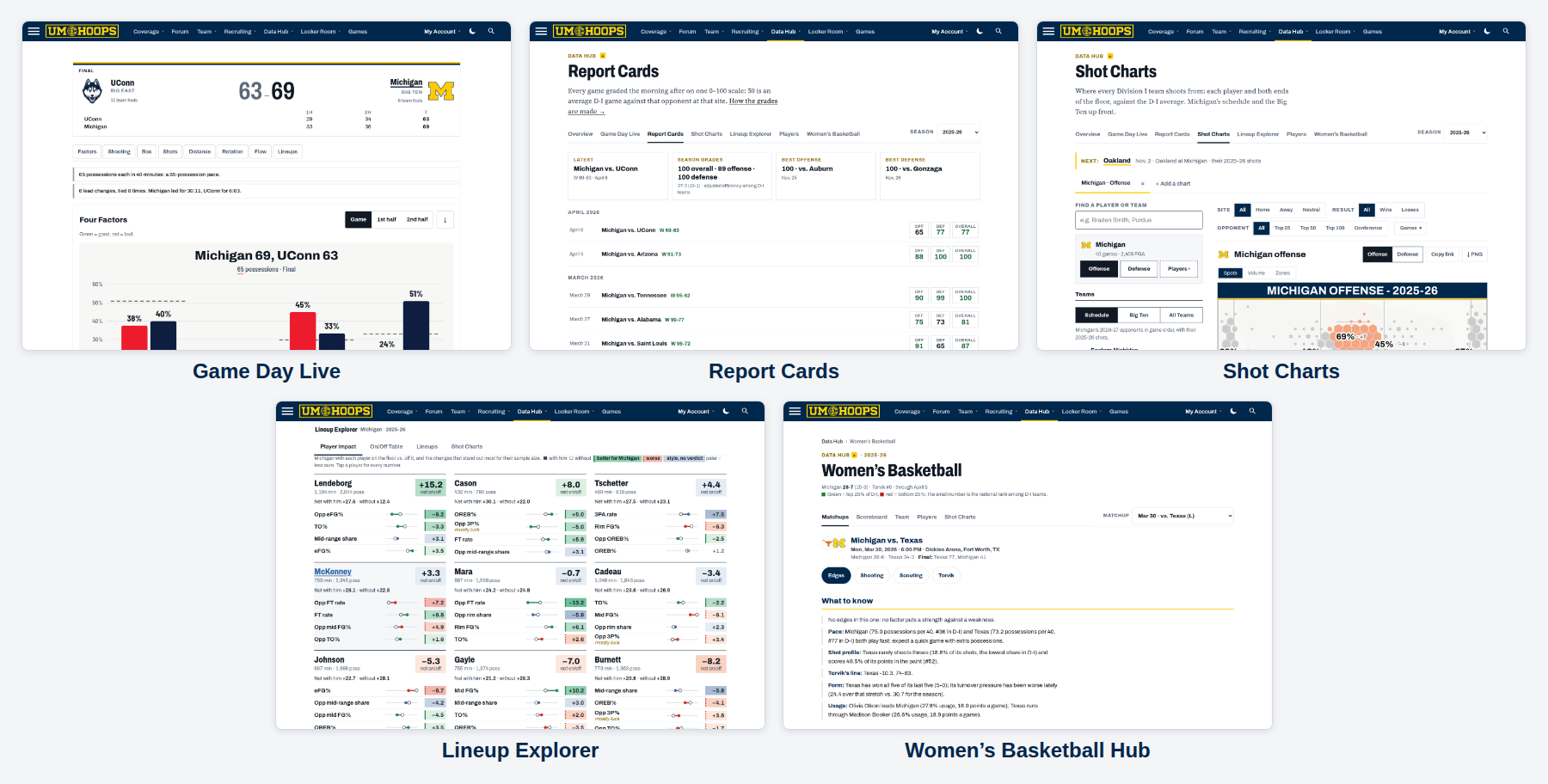
Since launching UM Hoops+, we’ve rolled out several fun statistical tools, but they didn’t have one place to live. Now they do: all of our data, visualization and analysis tools live in the UM Hoops Data Hub.
-
- Game Day Live: Live scores for every game, with the full stats, charts and four factors a tap away.
- Report Cards: We rebuilt the numbers behind last year’s Report Cards and made them an interactive data product.
- Shot Charts: Where every team and player gets their shots, and how they compare to the Division I average.
- Lineup Explorer: Every Michigan lineup and player combination, and how they perform on and off the floor.
- Women’s Basketball Hub: New this year, with live stats, shot charts, game previews and more to complement our women’s basketball coverage.
Games
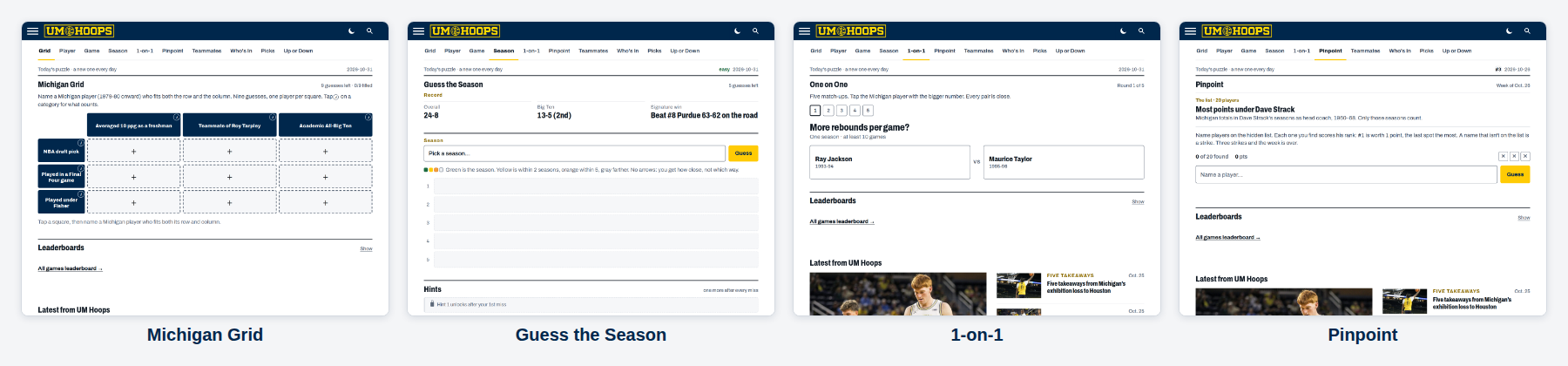
On a lighter note, we’re rolling out ten Michigan hoops-focused games: puzzles that test your knowledge of Michigan basketball history, and contests to prove your hoops credentials through the season.
Daily puzzles
- Michigan Grid: Name a Michigan player who fits both the row and the column in this grid-styled game.
- Guess the Player, Game and Season: Three daily puzzles, with a new hint after each miss.
- 1-on-1: Five rounds of picking which Michigan player had the better statistics in a given category.
- Teammates: You get a player and have to pick the teammates who scored the most points with them.
- Who’s In: A logic puzzle built on your Michigan basketball knowledge.
Weekly and all season
- Pinpoint: A new Michigan list challenge every week.
- Pick ’em: Pick the score and a few other details for each Michigan game, and climb the leaderboard.
- Up or Down: Predict whether teams rise or fall on KenPom each week.
Also new
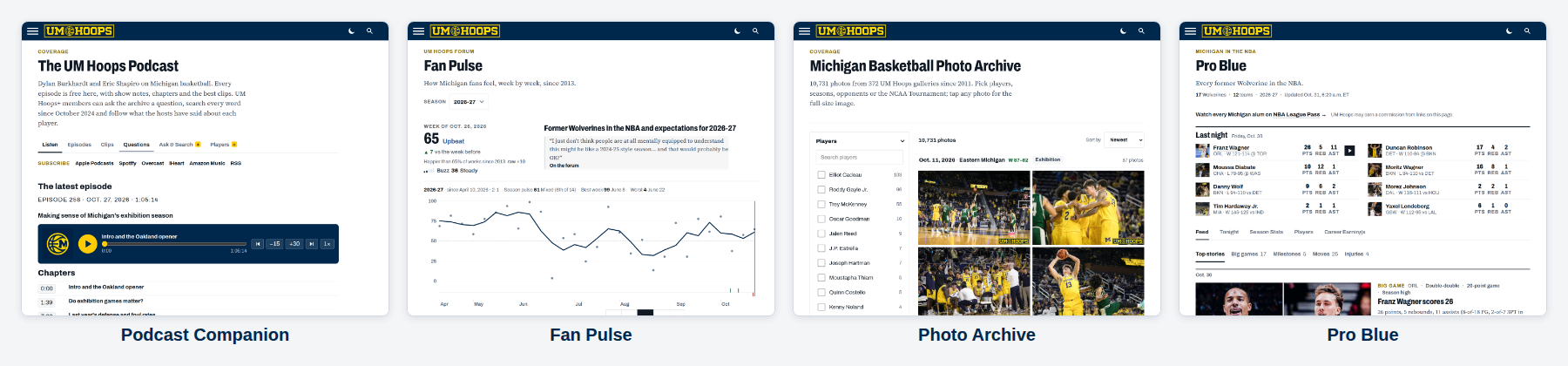
- Podcast Companion: Submit a question for the show, search what we’ve said on any topic, and use the new interactive show notes.
- Fan Pulse: We used the UM Hoops message board archive to build a Fan Pulse for every week since 2013. Explore the history and compare today’s mood to past seasons.
- Photo Archive: Our photo galleries since 2011, by season, game, and player.
- Pro Blue: Michigan players in the NBA, with stats, key performances, and highlights updated through the season.
Who gets what
All of our beat coverage, recaps, previews, the new games, Fan Pulse, the Photo Archive and Pro Blue come with any membership.
UM Hoops+ adds the Locker Room, the full Data Hub (including Game Day Live and the Women’s Basketball Hub) and the Podcast Companion. You can upgrade for just $80 for your first year.
This was a big rebuild, and we’re sure we missed a few things. If something looks off, or you have any other feedback, tell us on the message board or via email.
Join the conversation · 10 replies on the forum


The conversation
10 repliesJoin the discussionumhoops
Some design tweaks, new features, games and more to dig into on the eve of the season. I’ve spent the whole day trying to get everything working but I certainly missed some things… So work with me for the next few days, and let me know if you see anything!
Beej
You’ve outdone yourself, @umhoops …and we all thank you for it! Well done my friend.
DMB43
umhoops
And now… to focus on the good stuff:
CoryR
Looks good! Excited for another year!